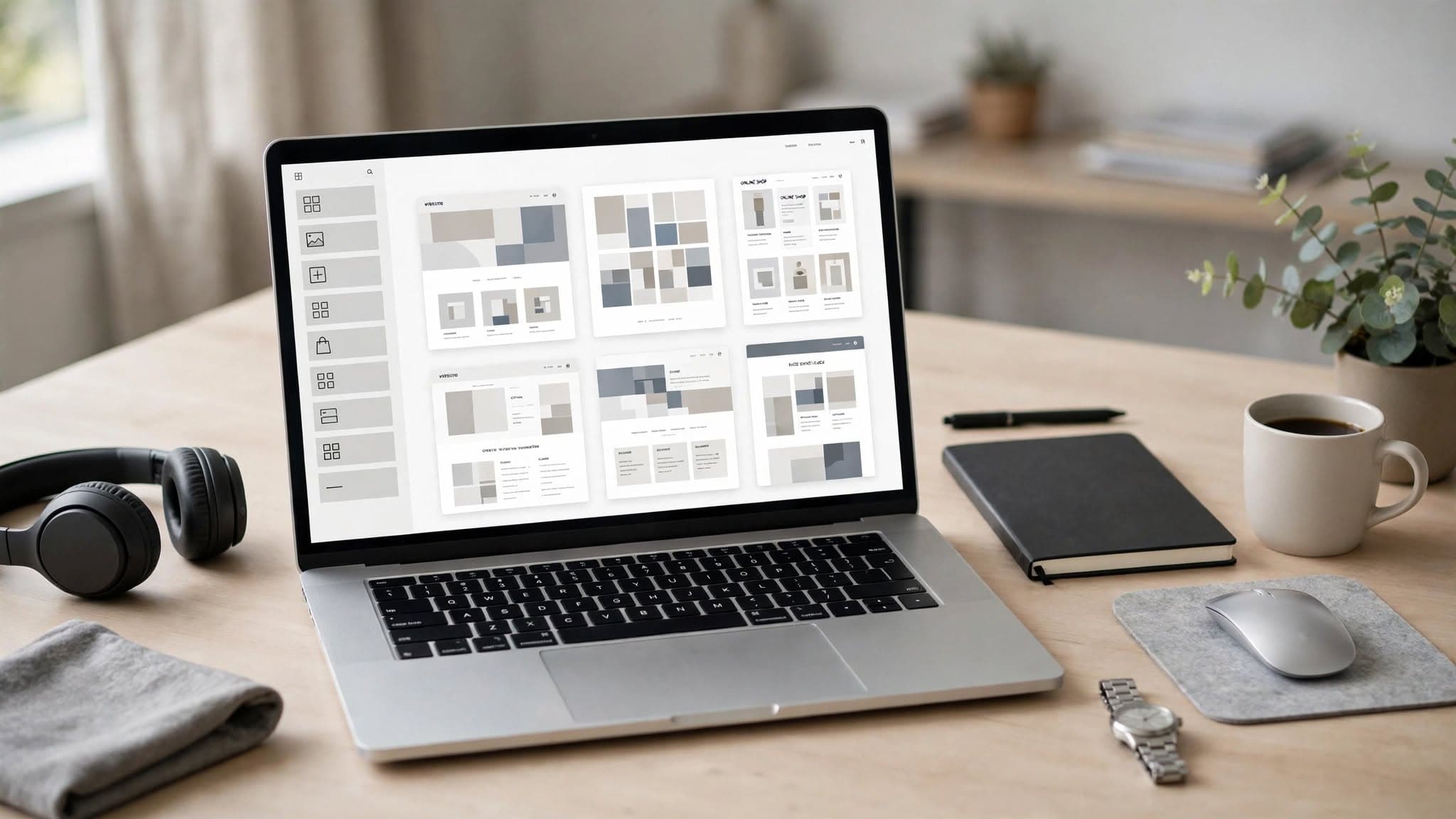
Starting a website design business or agency is becoming much easier thanks to the number of excellent website builders, templates, AI tools, and no-code platforms available today.
A few years ago, building websites for clients often meant learning HTML, CSS, JavaScript, and other technical skills before you could confidently take on projects. Today, visual website builders allow you to create professional websites without writing much code, while AI tools can help you design, write content, generate code, and speed up your overall workflow.
However, having so many options can also make choosing a platform confusing.
Should you use Framer, Webflow, WordPress with Elementor, Wix Studio, Squarespace, Hostinger Website Builder, or should you learn HTML and modern frameworks and build websites from scratch?
I have used several of these platforms myself, and in this guide I want to compare them from the perspective of someone who wants to sell websites to clients, rather than simply build a personal website.
The goal is not to find one platform that is objectively the best for everyone. Instead, I want to help you understand the strengths and weaknesses of each option so you can choose the platform that fits your skills, business model, and the type of websites you want to build.
1. What Should You Look for in a Website Builder?
A website builder is a platform that allows you to create and design a website without needing to handle all of the technical work involved in coding, deployment, hosting, and infrastructure.
Most modern website builders provide visual editors where you can add, move, and customize different elements on a page. They also usually include templates that allow you to start with an existing design instead of building everything from scratch.
AI is becoming another important part of these platforms. Many website builders now include AI features that can generate layouts, write content, create sections, suggest designs, or make changes based on simple instructions.
When choosing a website builder, I think the most important things to consider are ease of use, efficiency, design flexibility, SEO, scalability, and pricing.
You want a platform that allows you to spend more time thinking about the client's goals, content, branding, and user experience instead of constantly fighting with technical problems.
Here are some of the main things I would look for:
- Easy visual editing: A good builder should make it easy to design pages, move elements around, edit content, and customize layouts without unnecessary technical work.
- Short learning curve: You should be able to start building relatively quickly rather than spending months learning the platform before creating your first client project.
- Templates and design resources: A strong template library can save you a huge amount of time and give you inspiration when starting a new project.
- SEO capabilities: SEO is extremely important if your clients depend on Google and organic traffic. The platform should give you control over important SEO elements such as titles, descriptions, URLs, headings, indexing, and performance.
- CMS: A CMS becomes important when you need blogs, dynamic content, case studies, directories, portfolios, or other collections of content.
- Pricing: When starting a website business, keeping your costs under control is important. Look for a pricing structure that makes sense for both you and your clients and allows you to scale as your business grows.
- Client management: If you are building websites professionally, it is also useful to consider how easy it is to hand projects over to clients and allow them to manage their own content.
2. Framer — My Favorite and Go-To Option
Framer is currently my favorite website builder and one of my go-to options for creating modern websites.
One of the things I like most about Framer is the large collection of templates and design resources available. You can use existing templates as a starting point and then customize them to create something completely different.
Another feature I find particularly useful is how easy it is to reuse design elements. Instead of starting every project from a blank canvas, you can take inspiration from different templates and combine sections and design ideas to create a more unique website.
Framer also works particularly well for people who care about modern visual design. You can create polished landing pages, business websites, portfolios, SaaS websites, and other marketing-focused websites without needing to write everything from scratch.
Another interesting part of Framer is its ability to work alongside custom code components. When you need something that is not available through the standard interface, you can use code and AI tools to create custom components and add more functionality.
For me, this combination is what makes Framer so attractive: visual design when you want speed, with the ability to introduce code when you need more flexibility.
If your goal is to start selling modern websites to businesses, Framer is one of the first platforms I would recommend learning.
3. Webflow — A More Advanced Alternative to Framer
Webflow is another powerful platform for creating modern websites, and it is particularly popular among designers, agencies, and businesses that need more control over their websites.
You only need to look at the quality of websites showcased in the Webflow ecosystem to see how much can be achieved with the platform.
One of the biggest differences I noticed compared with Framer is the learning curve. Webflow gives you a lot of control, but that control also means there are more concepts to understand.
If you are completely new to website design, Webflow can feel overwhelming at first. You need to understand concepts related to layout, responsive design, positioning, classes, spacing, and other aspects of web development.
However, once you understand the platform, you can build highly customized websites with sophisticated interactions and animations.
For freelancers and agencies that want to create advanced marketing websites, Webflow is definitely worth learning.
Personally, I would choose Framer when I want to move quickly and create a modern website with a relatively simple workflow. I would consider Webflow when I need more control over the structure and behavior of the website.
4. WordPress + Elementor — The Flexible Option
WordPress is by far one of the most widely used website platforms, and it has an enormous ecosystem of themes, plugins, templates, and third-party services.
Combined with Elementor, it can be a very powerful option for freelancers and agencies.
However, my experience with WordPress is a little different from my experience with Framer or Webflow.
One thing that can become frustrating is how many different pieces you sometimes need to manage to accomplish what feels like a simple task. Depending on the project, you may need plugins for navigation, forms, SEO, performance, security, ecommerce, and other functionality.
Elementor makes visual website building much easier, but the overall WordPress ecosystem can still feel more complicated than modern all-in-one builders.
Security and maintenance are also things you need to think about when working with WordPress. Because WordPress is so widely used, keeping the core software, themes, and plugins updated is an important part of managing a professional website.
That said, I would not dismiss WordPress.
It remains an extremely flexible solution, particularly when a client needs a large content website, ecommerce functionality, custom integrations, or a CMS with a huge ecosystem of available tools.
My personal preference is simply toward newer visual builders such as Framer and Webflow when the goal is to create highly modern marketing websites quickly.
A good WordPress website can absolutely look modern and professional. The final quality depends much more on the designer, strategy, content, and implementation than on the platform itself.
5. Wix and Wix Studio — Strong Options for Beginners
Wix is one of the most well-known website builders and has been designed around making website creation accessible to people without extensive coding knowledge.
Its drag-and-drop editor makes it relatively easy to create pages, customize layouts, and build a website based on your own ideas.
Wix also includes AI features that can help users generate websites and content based on information about their business. This can make the initial setup much faster for beginners.
For someone who wants to create a website without learning traditional web development, Wix can therefore be a practical starting point.
Wix Studio takes things further and is designed more specifically for professional designers, freelancers, and agencies.
It provides more control over responsive layouts, design systems, interactions, and other aspects of professional website development.
If you want something easier to approach than traditional development but still want more design control, Wix Studio is worth considering.
I would put Wix Studio closer to Framer and Webflow in terms of its target audience, while the standard Wix editor is more focused on accessibility and ease of use.
6. Hostinger Website Builder — Easy and Affordable
Hostinger is well known for its hosting services, including WordPress hosting, but it also offers its own website builder.
One of the biggest advantages is convenience. Hosting and website building can be managed through the same ecosystem, which can make things easier for beginners who do not want to manage multiple services.
Hostinger also integrates AI features that can help users generate a website based on information about their business.
This can be useful if your goal is simply to get a basic website online quickly.
For simple business websites, landing pages, and projects where speed and affordability are the main priorities, Hostinger can be a reasonable option.
However, if your goal is to specialize in highly creative websites with advanced animations and distinctive visual design, I would personally look at Framer, Webflow, or Wix Studio first.
7. Squarespace — Excellent for Simple Professional Websites
Squarespace is well known for its polished templates and professional-looking designs.
It is particularly suitable for creative professionals, small businesses, portfolios, service businesses, and other websites where presentation and simplicity are important.
One of the advantages of Squarespace is that it combines several important parts of running a website into one platform. You can manage your website, hosting, content, and various marketing features without having to assemble a large collection of third-party tools.
It also provides templates that can significantly speed up the design process.
Squarespace is not necessarily the platform I would choose when I want maximum creative freedom, but it is an excellent option when the goal is to create a clean, professional website without dealing with a complicated technical setup.
There is still a learning curve, especially if you want to get the most out of the platform, but beginners can generally start building without extensive coding knowledge.
8. Which Website Builder Should You Choose?
There is no single website builder that is perfect for every project.
The right choice depends on the type of websites you want to build, the clients you want to work with, how much time you are willing to spend learning, and how much technical control you need.
For example, if I were starting a website design business focused on modern AI companies, startups, SaaS businesses, and other technology companies, I would personally start with Framer.
It has a relatively simple workflow, makes it easy to create modern designs, and allows you to move quickly from an idea to a finished website.
Squarespace would also be a good choice if the priority were simple, professional websites for small businesses, creatives, and service providers.
Webflow would be my choice when I wanted more control and was willing to spend more time learning the platform.
Wix Studio is another strong option for freelancers and agencies that want a visual builder with more professional design capabilities.
WordPress + Elementor makes sense when flexibility, plugins, content management, or the wider WordPress ecosystem are important.
Hostinger Website Builder is more attractive when affordability and simplicity are the main priorities.
The important thing is to choose a platform that matches the type of client you want to serve.
9. Don't Try to Learn Every Website Builder
One of the biggest mistakes beginners can make is trying to learn every website builder at the same time.
You do not need to know Framer, Webflow, WordPress, Elementor, Wix, Squarespace, Hostinger, and several other platforms before you can start selling websites.
Pick one platform and spend enough time learning it properly.
Build your own websites with it. Recreate websites you like. Experiment with templates. Learn how responsive design works. Learn the platform's CMS. Understand its SEO features. Practice creating landing pages and complete business websites.
After building several projects, you will naturally start understanding the principles that apply to website design in general.
At that point, learning another platform becomes much easier.
For example, once you understand how layouts, responsive design, typography, spacing, navigation, CMS systems, and SEO work, moving from Framer to Webflow or Wix Studio becomes much less intimidating.
Your goal should not be to become an expert in every website builder.
Your goal should be to become really good at creating websites that solve problems for businesses.
The platform is simply the tool you use to deliver that result.
10. Think About Your Website Builder as a Business Decision
If you want to turn website design into a freelance business or agency, choosing a platform should not only be a technical decision.
Think about the type of clients you want to attract.
Do you want to build websites for local businesses? SaaS companies? AI startups? Restaurants? Ecommerce brands? Personal brands? Consultants?
Each market may have different requirements.
You should also consider how much you can charge, how quickly you can build a website, how easy it is to maintain, and whether you can offer additional services such as SEO, content creation, analytics, maintenance, and conversion optimization.
For example, if you can build a professional website in a few days using a visual builder, your business model becomes much more interesting when you combine that service with SEO, copywriting, branding, or ongoing maintenance.
This is where website builders become more than just tools.
They can become the foundation of a business.
Final Thoughts: Which Website Builder Would I Start With in 2027?
If you are a beginner and your goal is to learn website design so you can eventually sell websites to clients, I would not recommend spending months learning how to code before building your first website.
Modern website builders allow you to start much faster.
Personally, Framer would be my first choice. It gives me the combination of speed, modern design, templates, visual editing, and enough flexibility to create the type of websites I like.
After Framer, I would consider Webflow or Wix Studio if I wanted to expand my skills and take on projects that require more control.
WordPress + Elementor is still worth learning because of the size of the WordPress ecosystem and the number of businesses that use it. Squarespace is also a strong option for clean and professional small-business websites, while Hostinger can be useful when simplicity and affordability are the priority.
But you do not need to learn all of them.
If your goal is to make money with a website design business, your time is better spent becoming excellent at one platform, building a strong portfolio, learning how to understand what clients actually need, and developing a repeatable process for delivering websites.
You can always learn another platform later.
The most important skill is not knowing which button to click in Framer, Webflow, or WordPress. It is knowing how to turn a business's goals into a website that looks professional, communicates clearly, performs well, and helps the business get more customers.
That is the skill clients are ultimately paying for.
And once you become good at that, the website builder becomes much less important. It simply becomes the tool that helps you deliver the result faster.